





Every single day, the thumb of an average smartphone user travels roughly 91 metres across their screen, matching the height of the Statue of Liberty. This constant movement makes creating high-converting social media reels a necessity for brands that want to be noticed before the next swipe occurs. Our team at Ignite Search often reviews these interaction patterns to understand how brands can better connect with their audience.
Phones usually come out during those small gaps in the day, like the wait for a train at Flinders Street or a quick lunch break in the CBD. These moments are brief, so the visual layout of a video determines if a viewer stays or moves on. To get actual results, you need a design that feels natural to the platform while building trust with every second that passes. This guide dives into the technical details and psychological cues that make a video actually hold attention.
Stay Inside the Lines to Be Seen
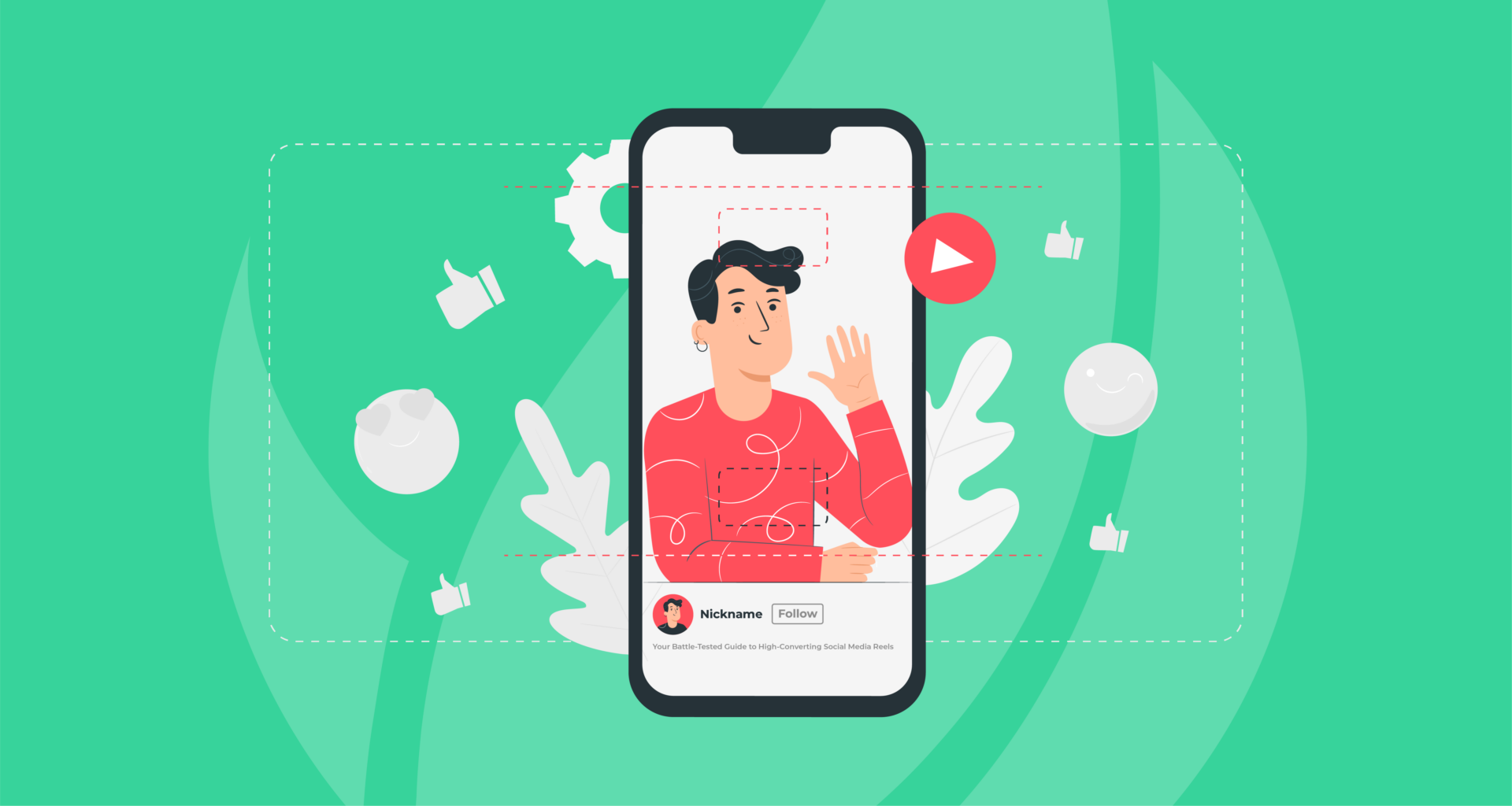
Keeping your text inside the “safe zones” is a basic technical step that keeps people watching. If you place your captions or titles too close to the edges, the app’s own buttons will block them. You want your message to be easy to read for someone catching a quick glimpse of your video. You should aim to keep all your critical text and visual elements within the centre 1080 by 1350 pixels of the 1080 by 1920 canvas. This area is often called the “green area”.

- Keep vital text and graphics in the middle of the screen so they are not covered by the “like” or “share” buttons.
- Leave the top 15 per cent of the frame completely clear so you do not clash with the platform’s navigation bar.
- Avoid the bottom 25 per cent where your profile name and the video description live.
- Make sure your “Shop Now” or “Link in Bio” stickers are not sitting right under the profile picture icon.

The Rhythm of the Two-Second Cut
If a video feels a bit sluggish, people are going to flick past it in a heartbeat. You really only have about two seconds to make an impression before someone decides to move on to the next thing in their feed. To keep people from losing interest, you need to keep the screen busy by changing the view roughly every two seconds. This creates a bit of a flow that keeps the viewer’s eyes moving and stops them from getting bored.
- Use a “punch-in” zoom to highlight a specific emotion or a key phrase.
- Flash a bold word on the screen every time you make a major point to reinforce the audio.
- Change your camera angle from a side profile to a front-on view to reset the viewer’s attention.
- Layer in a snippet of b-roll footage to show exactly what you are talking about.
When the screen changes frequently, the viewer stays curious about what is coming next. You do not need a massive production budget to do this; you just need to be smart with your editing and keep the transitions snappy.
Showing Your Hands Builds Trust
Trust happens on a deep level before a person even hears what you have to say. When you show your hands in the frame, you look more open and honest to your audience. This is an old psychological cue that signals you have nothing to hide. For a local business, this kind of authenticity goes a long way in making people feel comfortable with your brand.
- Keep your hands visible while you talk to look more open and approachable.
- Make direct eye contact with the camera lens, not your own reflection on the screen.
- Use natural gestures to emphasise your points rather than standing perfectly still.
- Ensure your lighting is clear enough that the viewer can see your facial expressions easily.
Looking into the lens creates a feeling of a real conversation. It is the difference between talking “at” someone and talking “with” them. When you combine steady eye contact with natural hand gestures, you come across as a real person rather than a faceless corporation.
Mixing Up Your Angles for More Impact
Using different shot types tells a better story and keeps the viewer from getting tired of the same view. A wide shot shows the setting and gives the viewer a sense of where you are. This is great for showing off a local shopfront in a laneway or a team at work in the warehouse. Close-ups are better for grabbing attention and showing the finer details of a product or a facial expression.
- Use wide shots to set the scene and provide context for your story.
- Switch to a close-up to show the texture of a product or a genuine reaction.
- Toggle between these views to keep the visual experience from feeling flat.
- Use close-ups when you are delivering the most important part of your message to create intimacy.
Switching between these two keeps the viewer interested and gives them a full view of what you are offering. This variety is part of how you use the 5 main types of content on social media to build a solid presence online. You want to provide enough context so people know what you do, but enough intimacy so they care about who you are.
Captions for the Silent Scroller
Think about how often you scroll through your feed while you are in a quiet office or stuck on a noisy bus. You probably do not have the volume up, and most people are exactly the same. In fact, research shows that roughly 69 per cent of people watch videos with the sound off when they are out in public. If you are not using captions, you are missing out on a massive chunk of your audience who are scrolling in total silence.
To make your captions actually work, try using high-contrast colours that pop against your background and keep them dead centre so they do not get cut off. It’s also a good idea to highlight “power words” in a different colour to catch the eye and hammer home your point. This is not just for the silent viewers either. When someone hears a word and reads it at the same time, they are much more likely to actually remember what you said.
Giving Your Feed a Pulse
The goal of a high-performing video is to leave the viewer feeling like they actually learned something or met someone genuine. When you focus on being clear and helpful, the way people interact with your brand shifts from a quick glance to real interest. Every cut and every caption should serve to make the viewer’s life a little bit easier or provide a moment of value that stays with them after they put the phone away.
But trying to keep track of every technical detail can feel like a massive task when you are also running the daily operations of a business. If the idea of managing video strategy on top of everything else feels a bit overwhelming, we can step in and help you get the design right from the start. Contact us today to see how we can take the guesswork out of your next video project!